 AuctionGate.io







Take
full control
of your auction accounts
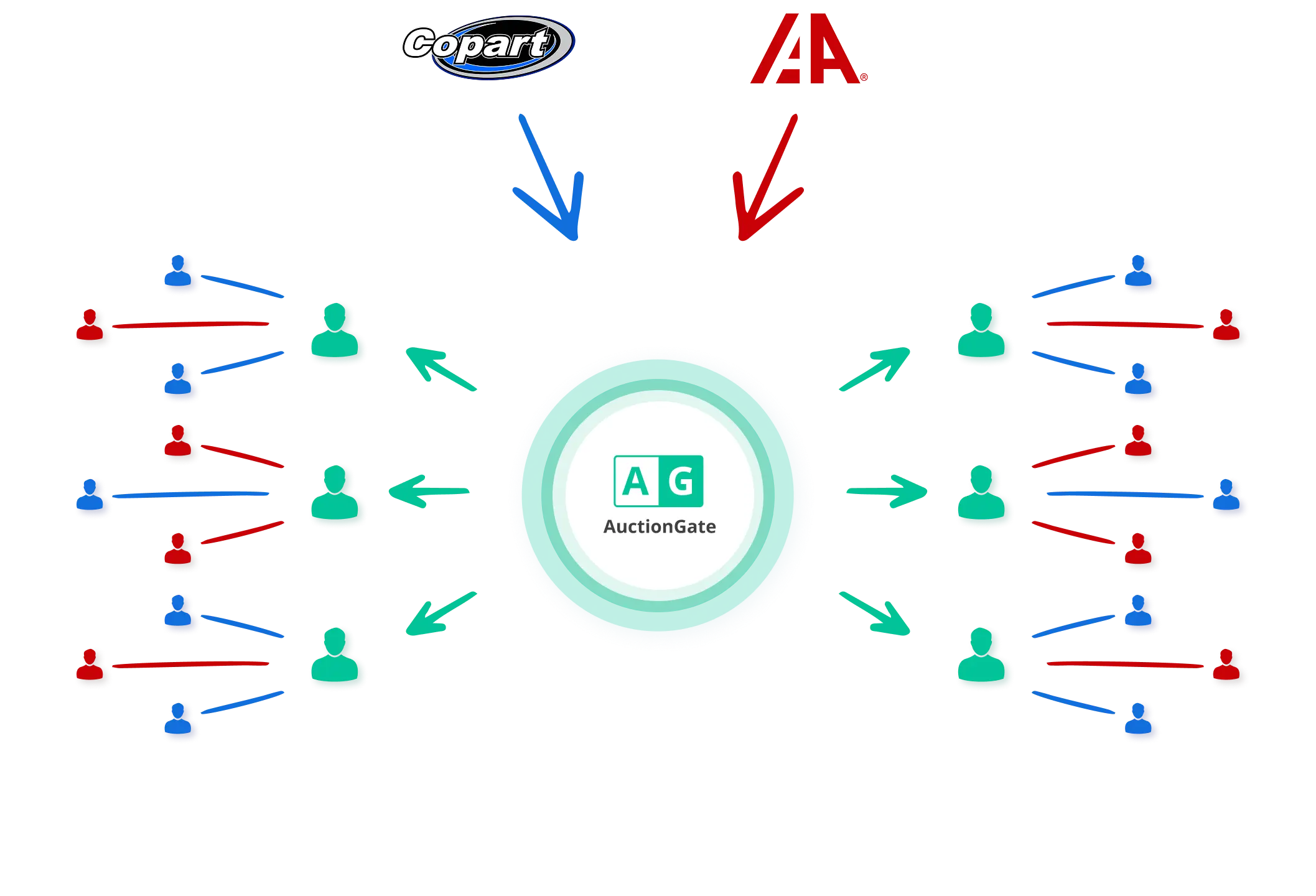
Everything you need to manage your auction operations
- Add, activate, or deactivate auction accounts
- Assign supervisors, managers and control account access
- Set bidding geography: choose allowed U.S. states per account
- Identify mistakes that lead to Copart relist fees
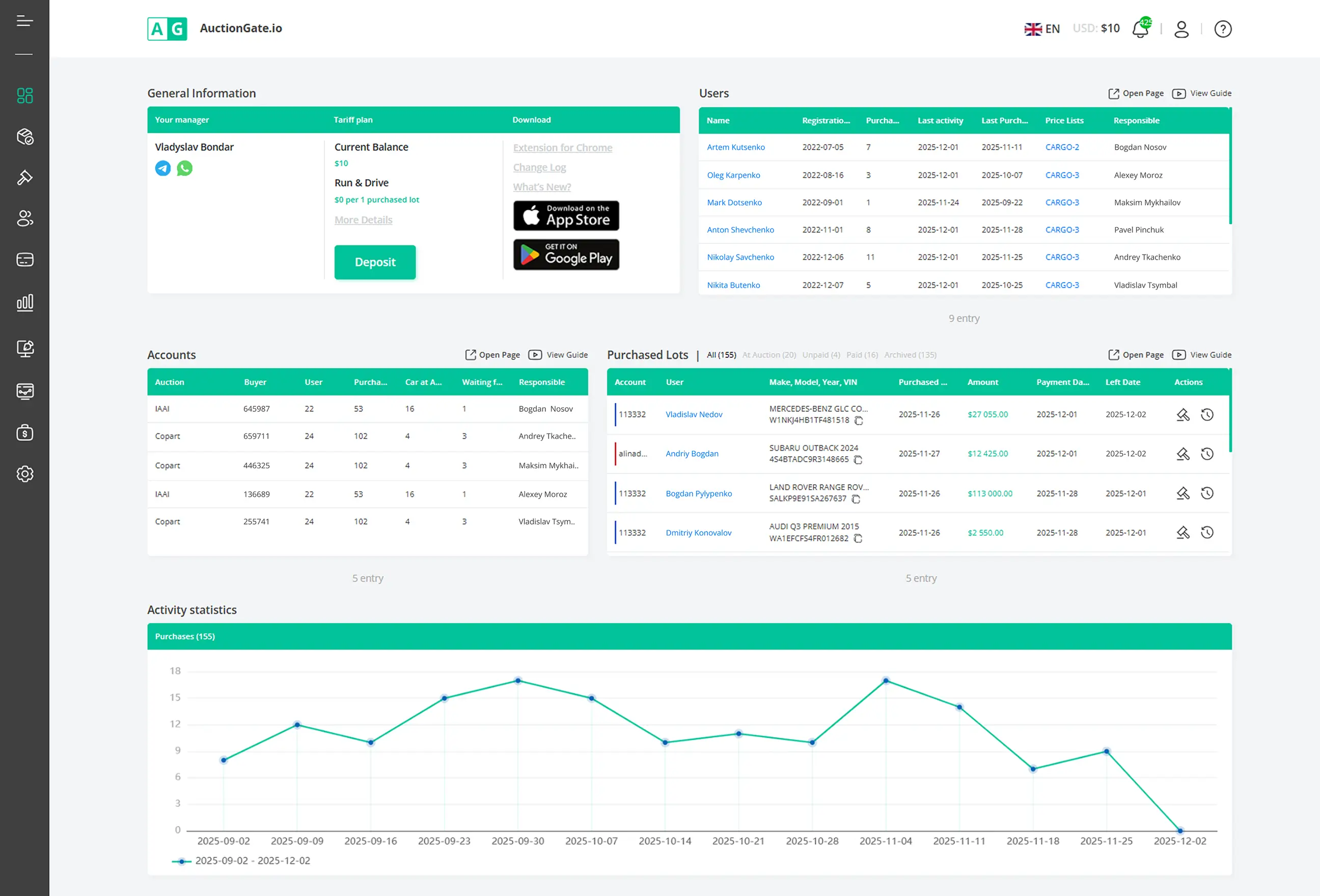
- Control which users can access each auction account
- Set bidding limits (max bid per lot, total bids, total bid amount)
- Allow or restrict Pre-Bid and Live-Bid actions
- Keep a full history of access and role changes
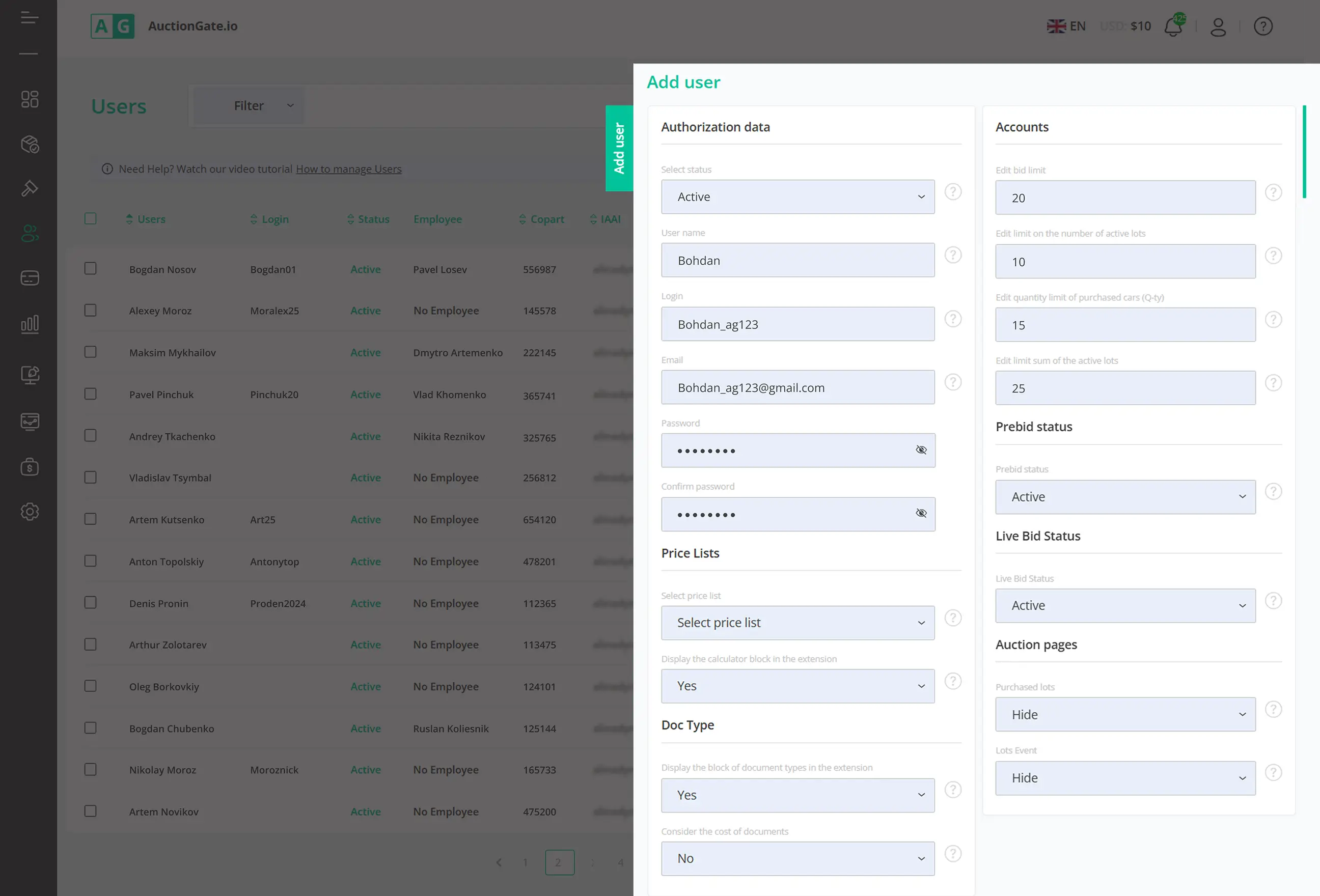
- Track viewed lots, placed bids, and purchased vehicles
- See what’s bought, still at auction or already picked up
- Track invoice changes and payment updates per lot
- Filter statistics by auction, office, Buyer Number or manager
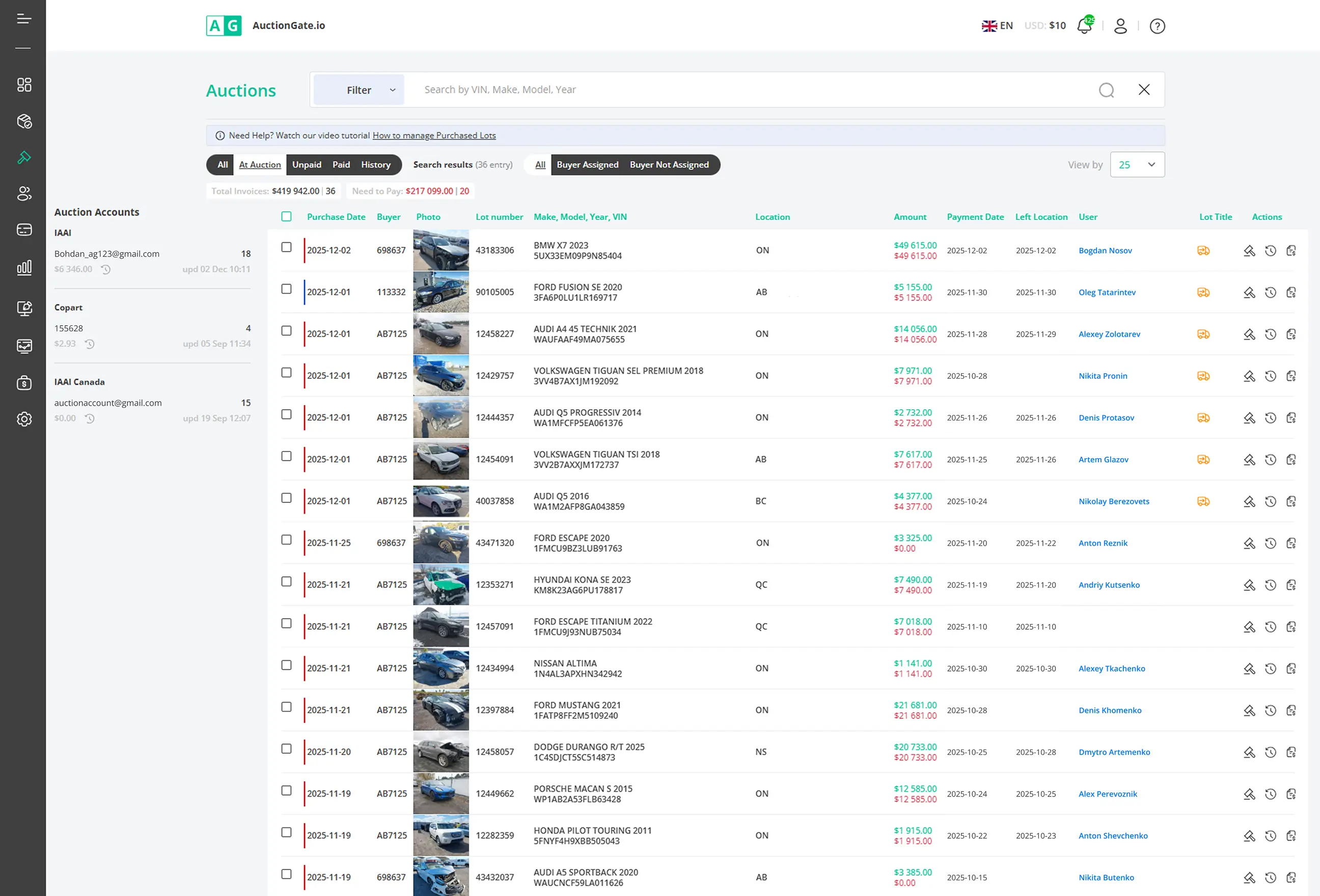
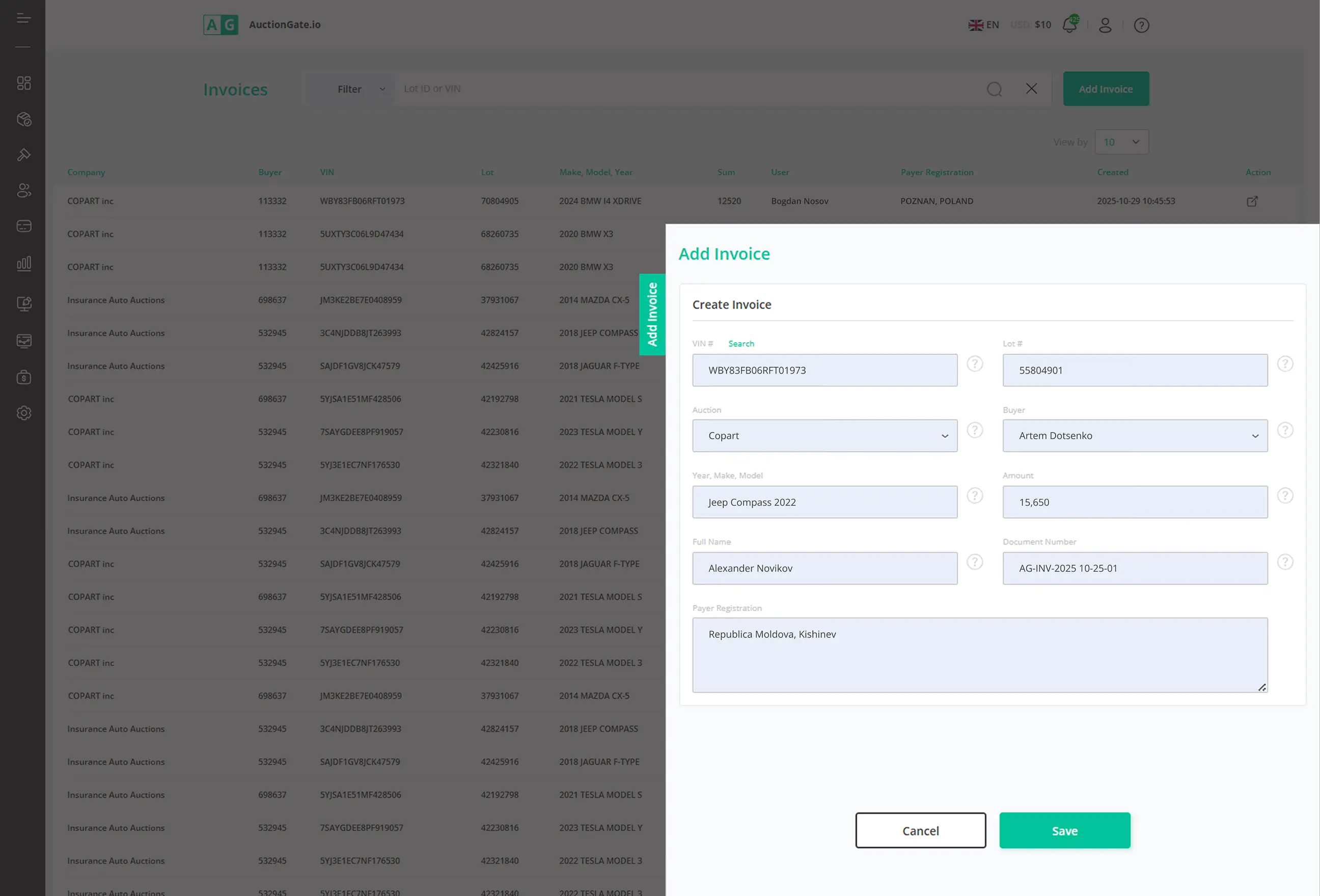
- Create invoices directly from auction data
- Auto-fill lot details, prices, and Buyer Number
- Generate and send PDF invoices to clients
- Track payment status and uploaded payment documents
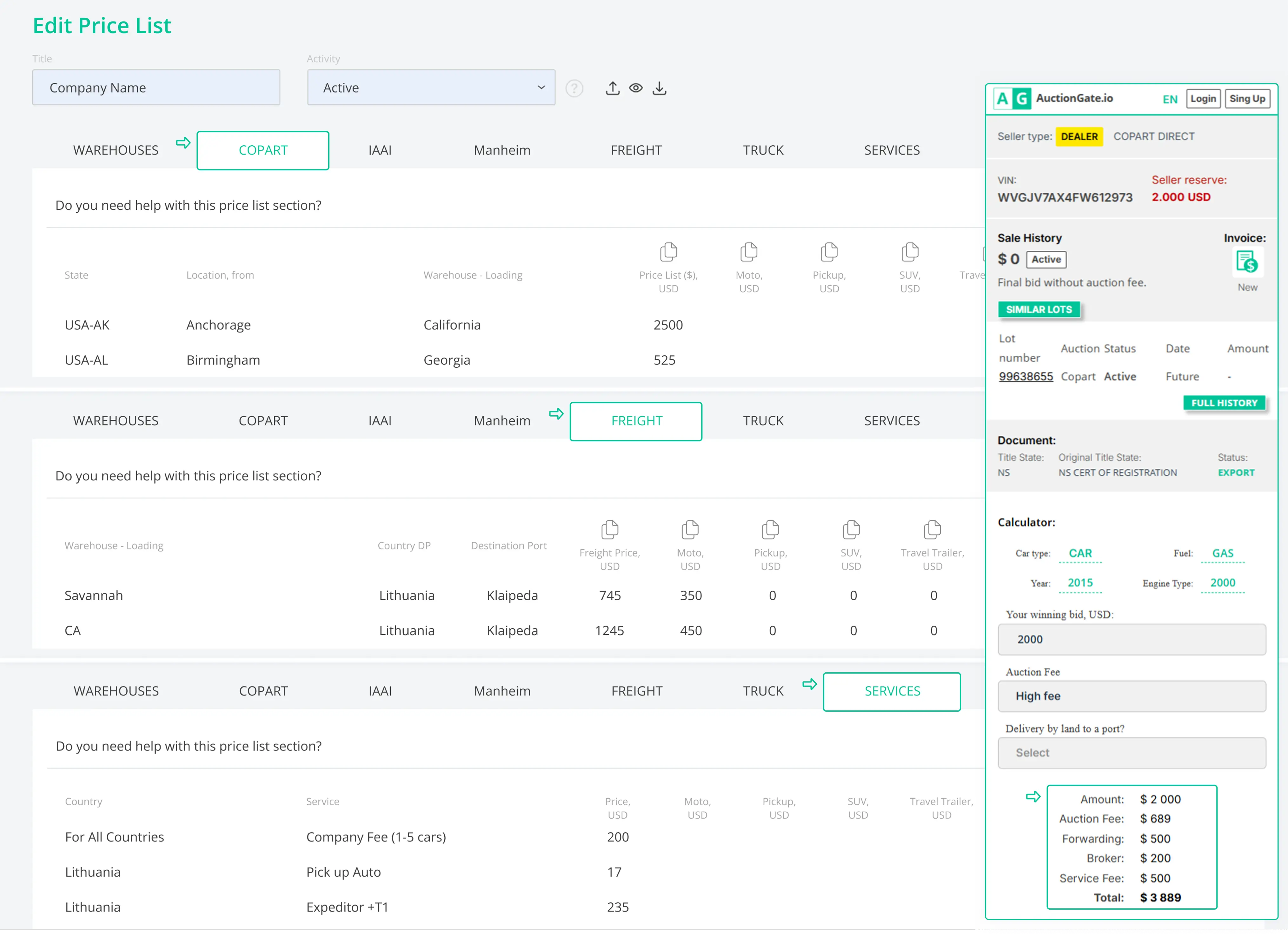
- Get instant delivery costs right on the lot page
- Assign a price list per user for delivery pricing
- Link auction locations to warehouses and set pickup prices
- Automate delivery cost estimates to reduce manual work
- Add extra services (deposits, hazardous cargo for hybrids/EVs)
Flexibility of use
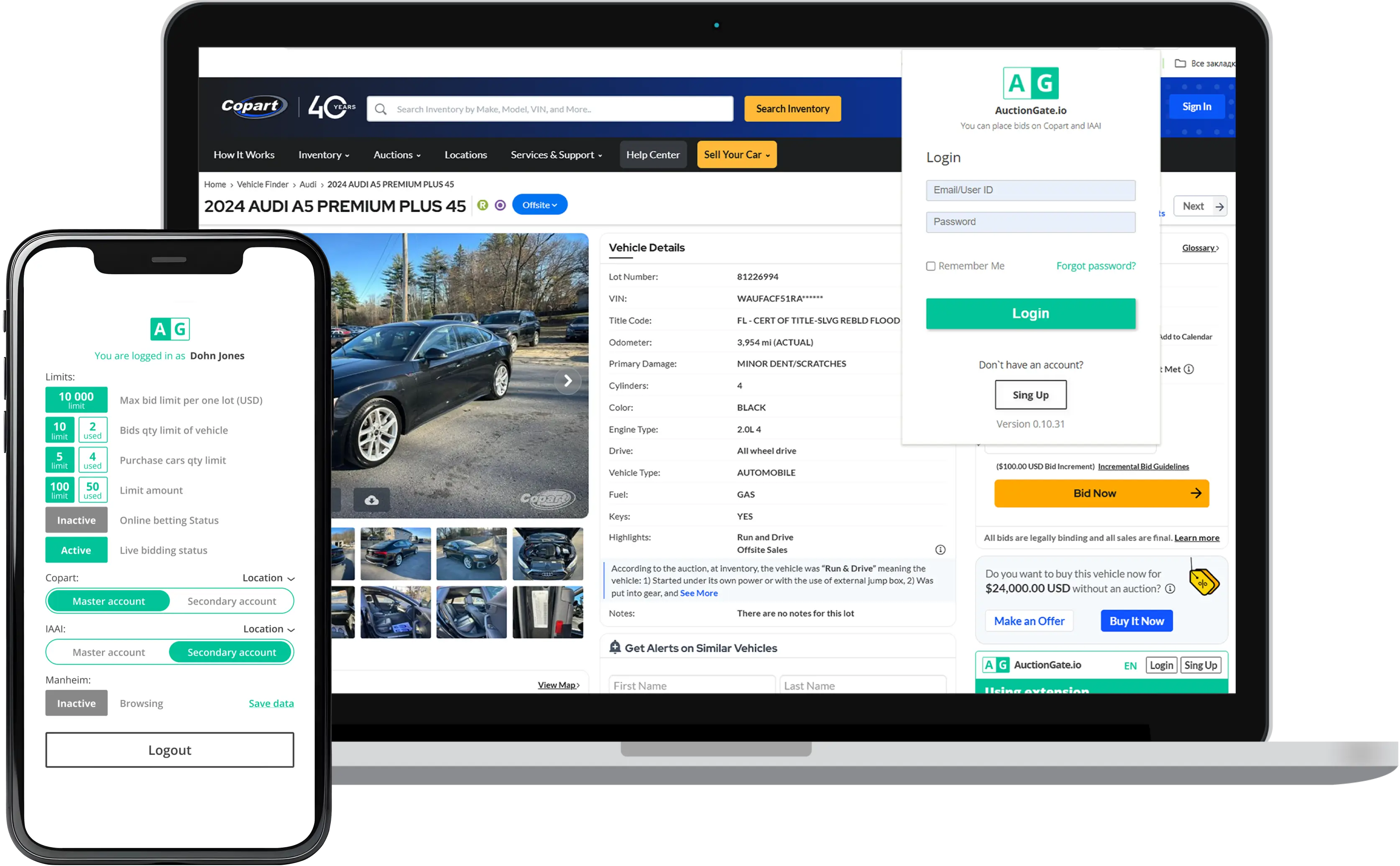
AuctionGate is available across multiple devices, so your team stays in control wherever they work:
- Web application: full access to accounts, users, and workflows
- Google extension: VIN & auction history, price insights, and shipping cost
- Mobile devices:


How It Works
Connect
Control
Monitor & Analyze
See how AuctionGate
transforms your workflow
Start Free 14-day Trial
Quick setup in under 5 minutes.
Frequently Asked Questions
Bidding on Copart includes several stages: pre-bid before the auction starts; live bidding during the auction; сonfirmation of the winning bid. Each action affects the auction account and Buyer Number. Without proper tracking, teams can lose visibility into who placed a bid or why a vehicle was won.
In many cases, yes. Copart requires buyers to have the proper business license or work with a car auction broker who places bids on their behalf. When bidding through a broker or using a shared auction account, it becomes especially important to control user access and bidding limits in order to avoid costly mistakes.
The auction vehicle registration process typically includes creating a Copart account, submitting the required business or personal documents, paying a refundable deposit, and receiving approval for bidding access. Approval requirements may vary depending on the vehicle type and state regulations.
If a vehicle is not paid for on time, Copart may apply relist fees and additional penalties to the auction account. Repeated unpaid purchases can also lead to account restrictions or suspension. That’s why tracking who placed the bid and under which account is critical for teams bidding on Copart.